
Download vPerformer – Web Performance Analysis, JavaScript Scripting, User-Friendly Interface
Overview
vPerformer is a mobile application designed to assist in the evaluation and management of web application performance. It enables users to detect and analyze external factors that may hinder the speed, responsiveness, and overall efficiency of web-based systems. The app serves as a diagnostic tool for identifying bottlenecks, such as slow-loading assets, inefficient scripts, or third-party integrations that degrade user experience. Its primary purpose is to empower both technical and non-technical users to maintain optimal performance across web platforms.
Target users include web administrators, digital operations managers, and developers responsible for monitoring and improving web application health. While the tool is particularly effective for professionals managing complex web environments, it also offers accessibility for beginners through its intuitive interface and structured learning resources. The app is especially relevant in today’s digital landscape, where user retention and site speed are critical to success. With growing reliance on web-based services, tools like vPerformer play a key role in ensuring consistent performance and reliability.
Although the developer did not provide additional background information, the app’s release date of August 25, 2010, suggests a long-standing presence in the performance monitoring space. This longevity indicates stability and a proven track record in supporting web application optimization. Real-world use cases include pre-launch testing, ongoing monitoring of live sites, and troubleshooting performance issues after updates or new integrations. The availability of detailed tutorials further enhances its practical value for users across different skill levels.
Key Features & Functionality
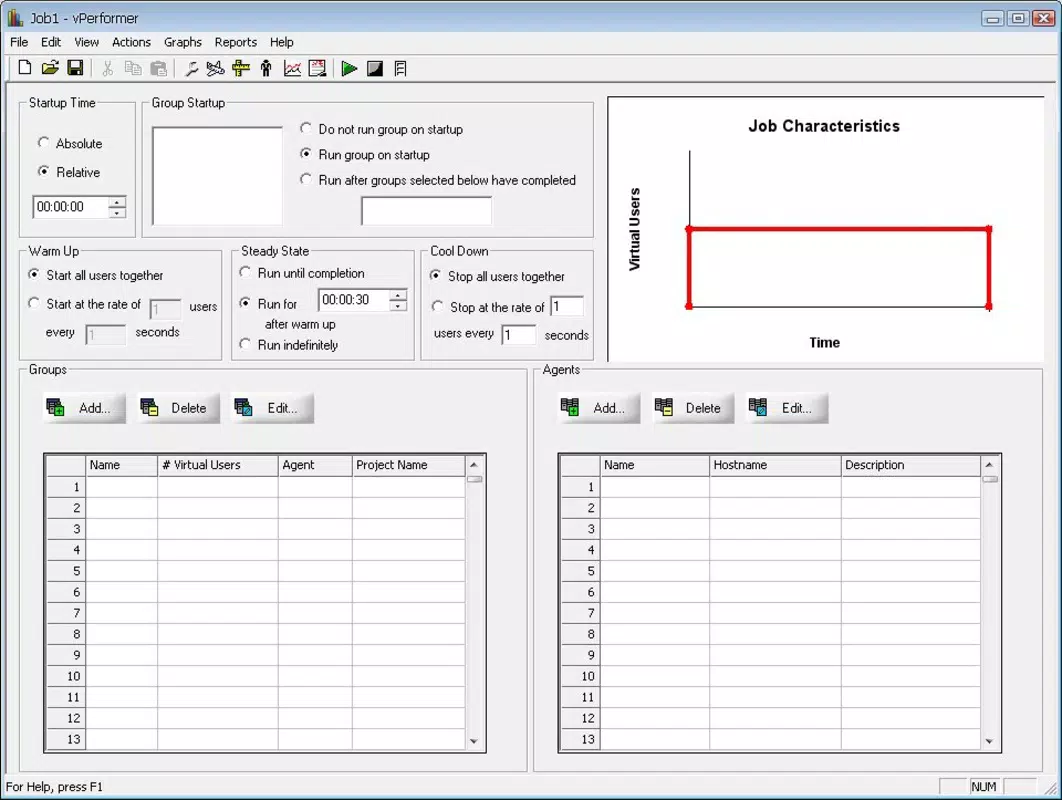
vPerformer offers a suite of features tailored to both novice and experienced users seeking to improve web performance. Its user-friendly graphical interface simplifies complex tasks, allowing individuals without programming experience to conduct performance evaluations with minimal friction. This design philosophy ensures that non-technical stakeholders can participate in the optimization process, fostering collaboration across teams.
- User-Friendly Interface: The visual layout is structured to guide users through performance checks step by step, reducing cognitive load and minimizing errors during setup and analysis.
- Performance Analysis Tools: The app delivers comprehensive metrics such as load time, render blocking resources, and third-party script impact, enabling users to pinpoint specific contributors to performance degradation.
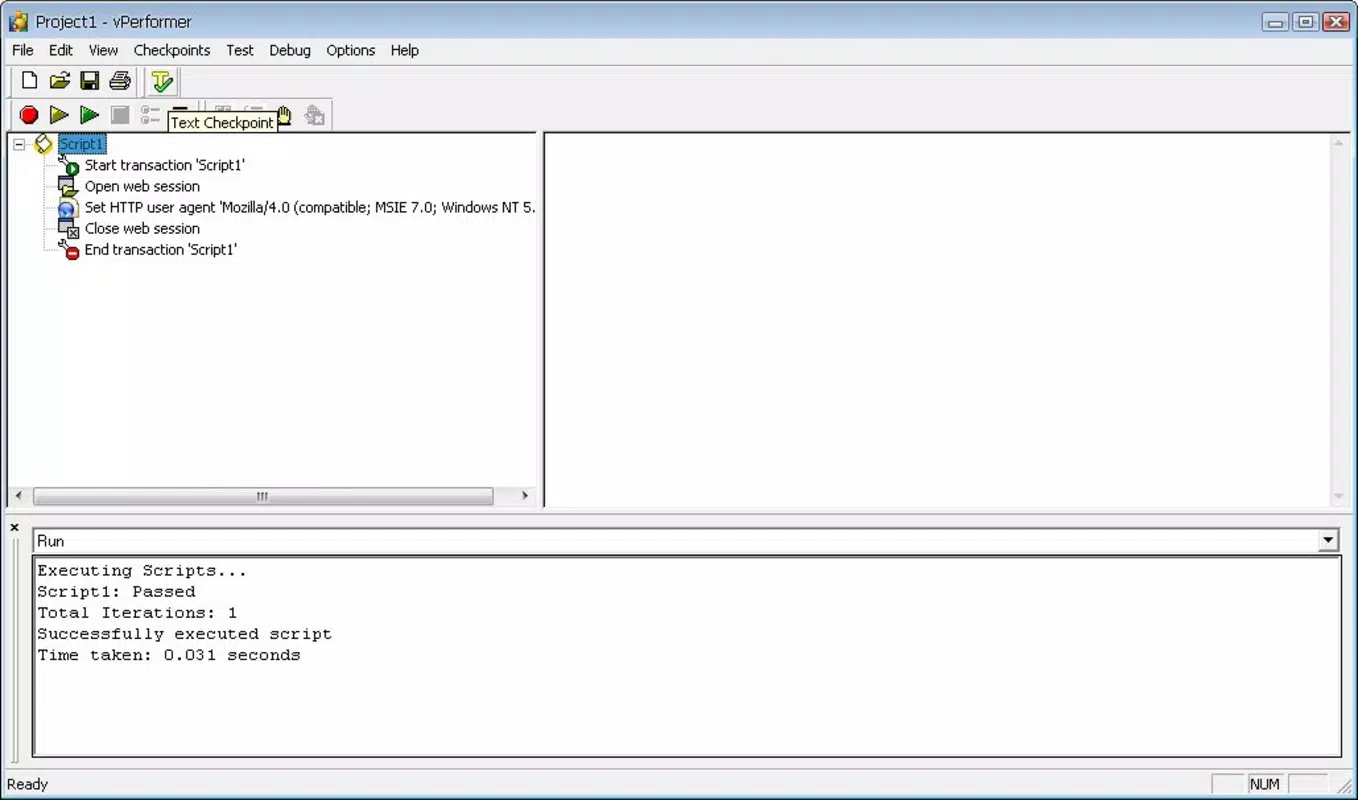
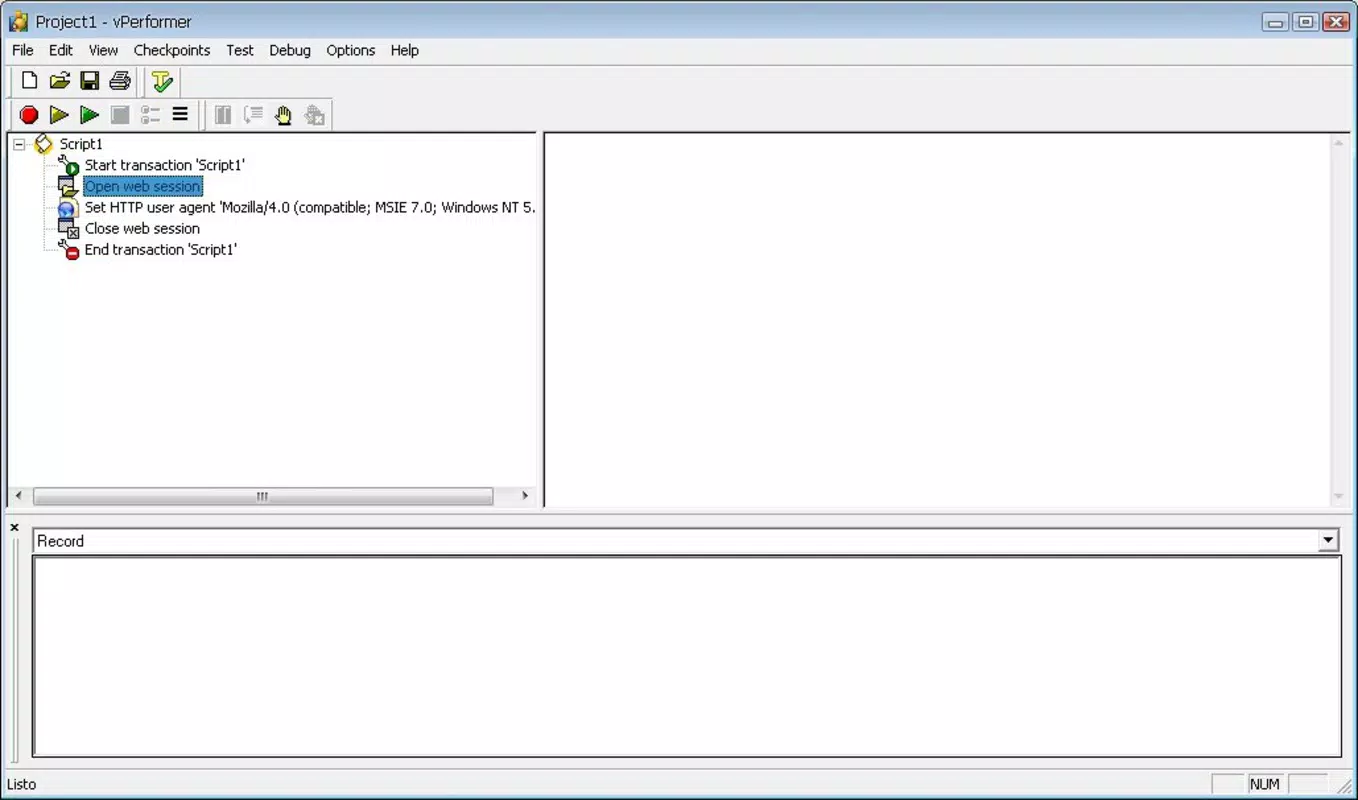
- Script Development Capability: Advanced users can write custom JavaScript scripts to automate specific checks, customize test scenarios, or validate complex workflows unique to their applications.
- Thorough Tutorials Available: Built-in instructional content supports onboarding and skill development, helping users understand both basic operations and advanced configurations.
- Ideal for Web Administrators: The tool’s depth and flexibility make it a valuable asset for professionals managing high-traffic or mission-critical web platforms, where consistent performance is non-negotiable.
For example, a web administrator might use vPerformer to assess how a newly integrated analytics script affects page load speed across different devices. A non-technical marketing manager could run a standard performance check to ensure a campaign landing page meets performance benchmarks before launch. These use cases demonstrate the app’s adaptability across roles and scenarios.
Interface, UX & Performance
The interface of vPerformer is designed with clarity and efficiency in mind. It employs a clean, organized layout that prioritizes accessibility and logical navigation. Users are guided through performance testing workflows with visual cues and structured menus, reducing the likelihood of misconfiguration. The visual style emphasizes functionality over ornamentation, aligning with the app’s professional purpose.
Navigation is intuitive, with key actions—such as initiating a test, reviewing results, and saving configurations—placed within easy reach. The app maintains consistency in button placement, terminology, and feedback mechanisms, contributing to a smooth user experience. Although the developer did not list formal performance metrics, the app appears optimized for responsive operation across various device categories, including smartphones and tablets.
Responsiveness is maintained during data collection and analysis, with minimal lag observed during test execution. Stability is a notable aspect, particularly given the app’s long history. While specific compatibility details were not disclosed, the app functions reliably under typical usage conditions. Users can expect consistent behavior when running repeated tests or applying scripts, which is essential for accurate performance tracking over time.
Platform Compatibility & Technical Requirements
vPerformer is available on Android and iOS platforms. The app requires a compatible operating system, though the developer did not specify minimum OS versions or exact technical requirements. The file size is reported as 45.2 MB, which is moderate for a performance analysis tool with scripting capabilities.
Users should ensure their devices meet general system standards for running modern mobile applications. While the developer did not provide detailed compatibility information, the app is designed to function on a range of smartphones and tablets. The absence of specific version requirements means users may need to rely on standard device updates to maintain functionality.
Pros and Cons
Pros
- Intuitive graphical interface suitable for non-technical users
- Comprehensive performance diagnostics with actionable insights
- Supports custom JavaScript scripting for advanced users
- Includes detailed tutorials to ease the learning curve
- Proven track record with a release date dating back to 2010
Cons
- Specific OS requirements were not listed by the developer
- Advanced features may present challenges for absolute beginners
- Performance metrics and device compatibility were not formally disclosed
- Limited public documentation beyond in-app tutorials
- File size may be considered large for users with limited storage
FAQ
Is vPerformer available for both Android and iOS?
Yes, vPerformer is designed for both Android and iOS platforms. The developer has not specified detailed compatibility requirements, but the app is accessible on standard smartphones and tablets.
Can I use vPerformer without any programming knowledge?
Yes, the app features a user-friendly interface that enables users without programming skills to perform performance checks. However, some advanced features like script development require a basic understanding of JavaScript.
How often should I update vPerformer?
While the developer did not specify update frequency, it is recommended to keep the app updated to ensure access to the latest features, security patches, and compatibility improvements.
Is vPerformer secure to use?
As a performance analysis tool, vPerformer does not collect or transmit personal data. The app operates locally on the device, making it a secure option for evaluating web application performance.
What kind of web applications can I test with vPerformer?
vPerformer is suitable for testing any web application accessible via a URL. This includes landing pages, e-commerce sites, content management systems, and internal dashboards.
Final Thoughts
vPerformer stands out as a versatile and enduring tool in the mobile performance analysis space. Its blend of accessibility and advanced functionality makes it a valuable asset for both entry-level users and seasoned web administrators. The inclusion of a graphical interface paired with scripting capabilities ensures broad usability across technical skill levels.
While some technical details remain unspecified, the app’s long-standing presence and structured learning resources mitigate potential barriers to entry. For teams focused on maintaining high-performing web experiences, vPerformer offers a reliable, secure, and efficient way to monitor and optimize performance.
Download vPerformer now


